
The system allows you the freedom to access the application anytime and from any device, thanks to its cloud-based technology.
Pharmacy Management Program from Smart Data
- The Pharmacy Management Program is the ideal solution that can easily adapt to any pharmacy, making it the perfect choice for expanding your business.
- Full Compatibility with Our Accounting System: The pharmacy application has the same specifications as our accounting system, with additional features tailored to meet the needs of pharmacies and medical stores.
- Ease of Use: A simple and user-friendly interface ensures a seamless experience for users.
- Comprehensive Management: The system provides integrated tools for inventory management, sales, and demand estimation, enhancing the efficiency of daily operations.
Features of the Pharmacy Management System from Smart Data
Pharmacy Development
The program helps pharmacies and medical stores streamline their operations, enhancing their efficiency and increasing their ability to provide service.
User-friendly interface
The program features comfortable and clear user interface screens, ensuring quick user performance and efficiency in task execution.
Comprehensive reports
The Pharmacy Management Program offers a variety of reports, including daily and monthly sales reports and others, which help in making informed decisions based on accurate data.
Smart Data Pharmacy Management System
The Smart Data Pharmacy Management System features the same specifications as the accounting system, with additional features that meet the needs of pharmacies, drugstores, and similar activities. The system provides comprehensive management of sales and purchasing movements, supplier payments, medication inventory and balances, expiration dates, as well as financial management including bank and cash affairs, checks, daily profitability accounts, bonuses, alternative items, and damaged items.
Features of the system:
- Comprehensive Accounting Integration: The system offers all available accounting features and management of employee affairs and inventory.
- FIFO System: The system relies on the FIFO (First In, First Out) method for calculating the cost of goods and managing warehouses.
- Main Sections: The system consists of main sections that include:
- Inventory System
- Sales
- Purchasing
- Point of Sale
- Fixed Assets
- Payroll
- Cost Centers
- Permissions and Monitoring System
- Closing Accounts
- Financial Reports
- Inventory Reports
- Barcode Printing
Sales Management:
- Entering Vendor Names: Vendor names can be easily entered via the Add button, where a credit limit for the vendor and a specific discount rate can be specified, along with the option to link the vendor to a specific warehouse.
- Sales Invoice: To enter a sales invoice, "Sales Invoice" is selected from the menu. A previous delivery document can be processed, or a direct invoice can be entered that is not linked to a delivery document.
- Entering Sold Items: Sold items, their quantities, and prices can be selected, and additional fees can be added or a cash payment can be entered.
Purchasing Management:
- Purchase Order: A purchase order can be submitted to suppliers using a specific form to specify the required items and their quantities.
- Receiving Materials: Goods receipt documents from suppliers can be easily entered, either by processing a purchase order or executing a direct receipt document.
- Entering Purchase Invoices: Purchase invoices are processed easily, either by processing the order or by preparing a new invoice directly.
Sales and Purchase Returns:
- Sales Returns Entry: Sales returns are entered by writing the return document number and the relevant invoice number, with the option to input the sold items to be returned.
- Purchase Returns Entry: Purchase returns are entered in the same manner, specifying the items, quantities, and reasons for the return.
Reports:
The system provides a comprehensive set of reports, including daily and monthly sales reports, inventory reports, and details of customer and supplier accounts.
Security and flexibility in managing your data

Access from anywhere
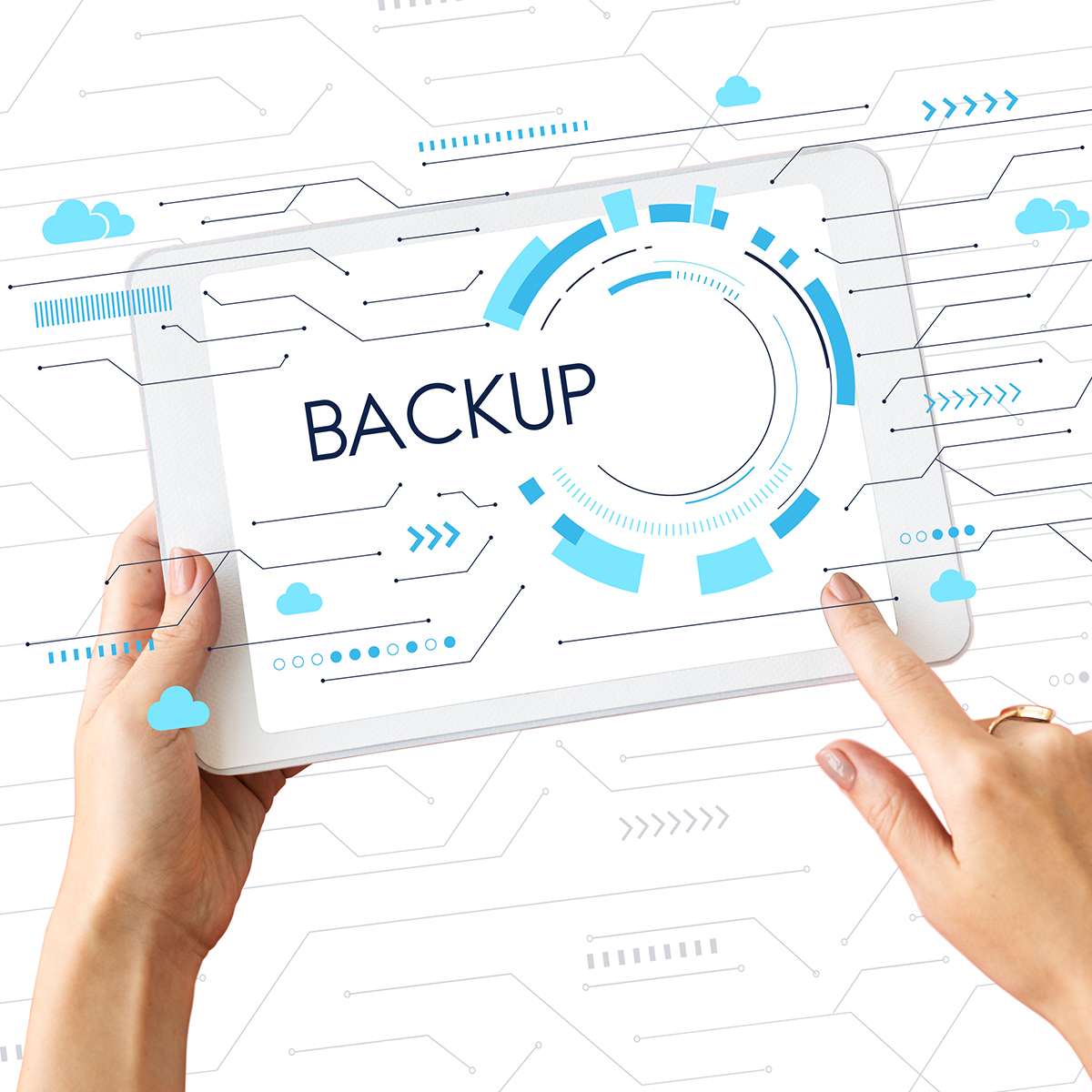
Backup every minute
The system backs up your data every minute and securely stores it in the cloud, ensuring data recovery in case of any loss.

Comprehensive data security
The Smart Data system ensures the protection of your sensitive information using the latest encryption algorithms, keeping your accounts and personal data secure.
Request your trial version
We place great importance on our clients and strive to help them build strong relationships.
Therefore, our support team is always available to assist.